
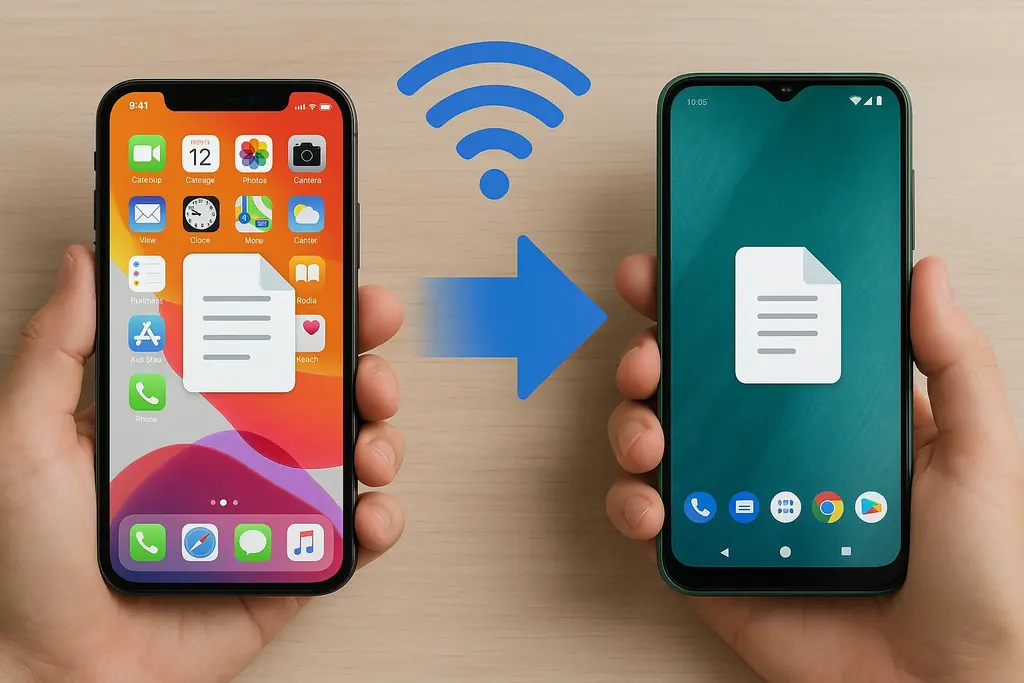
📱 How to Transfer Files from iPhone to Android Without Any App?
Sending files, photos, or videos between iPhone and Android without installing an app can be confusing or expensive. Fortunately, with Dosyano.com, you can now send files wirelessly, for free, without registration, and securely!
What is Dosyano.com?
Dosyano.com is a free file sharing platform that works through any web browser without the need to install apps or create an account. It supports Android, iPhone, tablets, and computers.
Steps to Send Files from iPhone to Android Without App
- Open Dosyano.com on iPhone: Use Safari or any browser and go to dosyano.com.
- Create a File Code: Choose a code like abc123 and tap “Go to Folder.”
- Upload Your Files: Upload photos, videos, documents or music into the folder. Each folder supports up to 50GB.
- Access Folder on Android: On your Android device, visit dosyano.com and enter the same file code. You can also scan the QR code if the iPhone is nearby.
- Download the Files: Complete the transfer by downloading the files. You can delete the folder manually or wait for it to be automatically deleted after 24 hours.
Why Choose Dosyano.com?
- 📲 No app required: Works directly in your browser.
- 🕓 Saves time: No settings or cables needed.
- 🔐 Secure: Only accessible via your unique link.
- 📁 Supports all file types: Photos, videos, PDFs, music, and more.
- 🧽 Auto-delete: Files are deleted automatically after 24 hours.
Conclusion
Dosyano.com makes it super easy to transfer files from iPhone to Android. No cables, no apps, no registration – just fast and secure file sharing with internet access.
Tags:
- iphone to android file transfer
- wireless ios to android sharing
- no app file sharing
- transfer between iphone and android
- dosyano file sharing
- send photo from iphone to android
- send videos from iPhone to android without app