
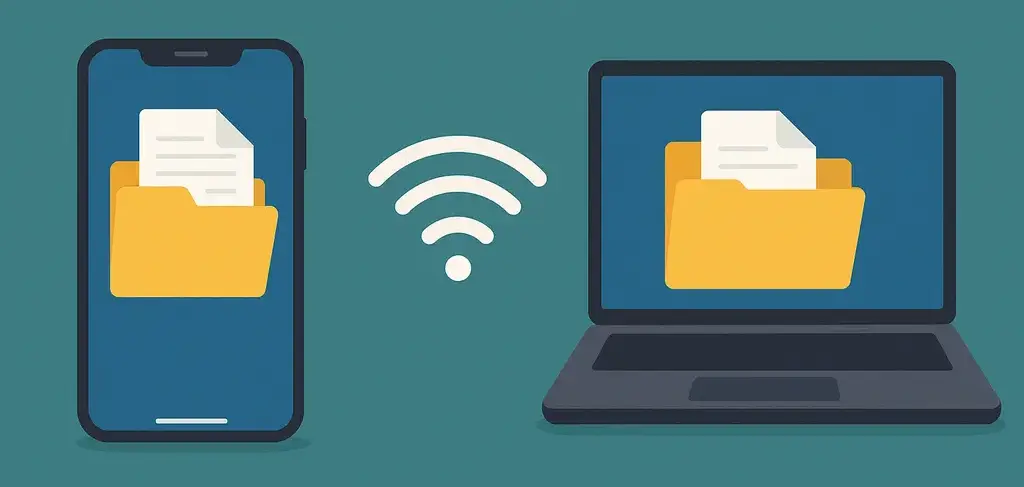
How to Wirelessly Transfer Files from Your Phone to Your Computer? (No App, Fast and Easy)
Nowadays, our phones are filled with photos, videos, documents, and app backups. Transferring these files to a computer—especially without a USB cable—can be tricky. Fortunately, there's a simple and fast way to do it via your web browser: Dosyano.com!
What is Dosyano.com?
Dosyano.com is a web-based file transfer platform that allows you to send files wirelessly between your phone and computer.
- No app installation required.
- Compatible with all devices (Android, iOS, Windows, macOS).
- Free to use, no sign-up needed.
- An internet connection is all you need.
Steps to Transfer Files from Phone to PC Wirelessly
- Visit Dosyano.com on Your Phone: Open your browser and go to dosyano.com.
- Create a Folder Code: Enter a unique code like aBc123 and tap “Go to Folder.”
- Upload Files: Select the files you want to send (photos, videos, PDFs, etc.).
- Open the Same Folder on Your Computer: Go to dosyano.com on your computer and enter the same folder code.
- Download and Delete: Download the files to your computer. When done, click “Delete Folder,” or let the system automatically erase it after 24 hours.
Why Choose Wireless File Transfer?
- No need to search for cables.
- No software installation required.
- Instant file sharing without apps.
- Works with any device (Android, iPhone, Mac, PC).
- Fast and secure transfer.
5 Reasons to Use Dosyano.com
- Free to Use – No hidden costs.
- No Registration Needed – Start transferring immediately.
- Supports Large Files – Easily send big files.
- Secure and Private – Files are automatically deleted after 24 hours.
- Mobile Friendly – Works on all browsers and devices.
Conclusion
Dosyano.com makes it incredibly easy to wirelessly transfer files from your phone to your computer. With just a few clicks, your files are safely sent over the internet. No cables, no accounts – DosyaNo is with you wherever there's internet!
Tags:
- transfer files from phone to pc
- wireless file sharing
- send files via wifi
- dosyano file transfer
- android iphone file sharing
- no app file transfer
- phone computer file transfer